

We collaborated with our good friends at Extreme Arts + Science on a series of Microsoft Software + Services videos. Each video showcased futuristic interactive devices and conceptual daily uses. In this case study, AE+S wrote, filmed and edited. UI, motion design, and visual effects were developed by Deep Sky with some inspiration from “Minority Report”.
Client: Microsoft
Agency: e(a+s)
Studio: Deep Sky
Editorial: Visual Aid
Design Director: Jared Hobbs
We collaborated with our good friends at Extreme Arts + Science on a series of Microsoft Software + Services videos. Each video showcased futuristic interactive devices and conceptual daily uses. In this case study, AE+S wrote, filmed and edited. UI, motion design, and visual effects were developed by Deep Sky with some inspiration from “Minority Report”.
Client: Microsoft
Agency: e(a+s)
Studio: Deep Sky
Editorial: Visual Aid
Design Director: Jared Hobbs
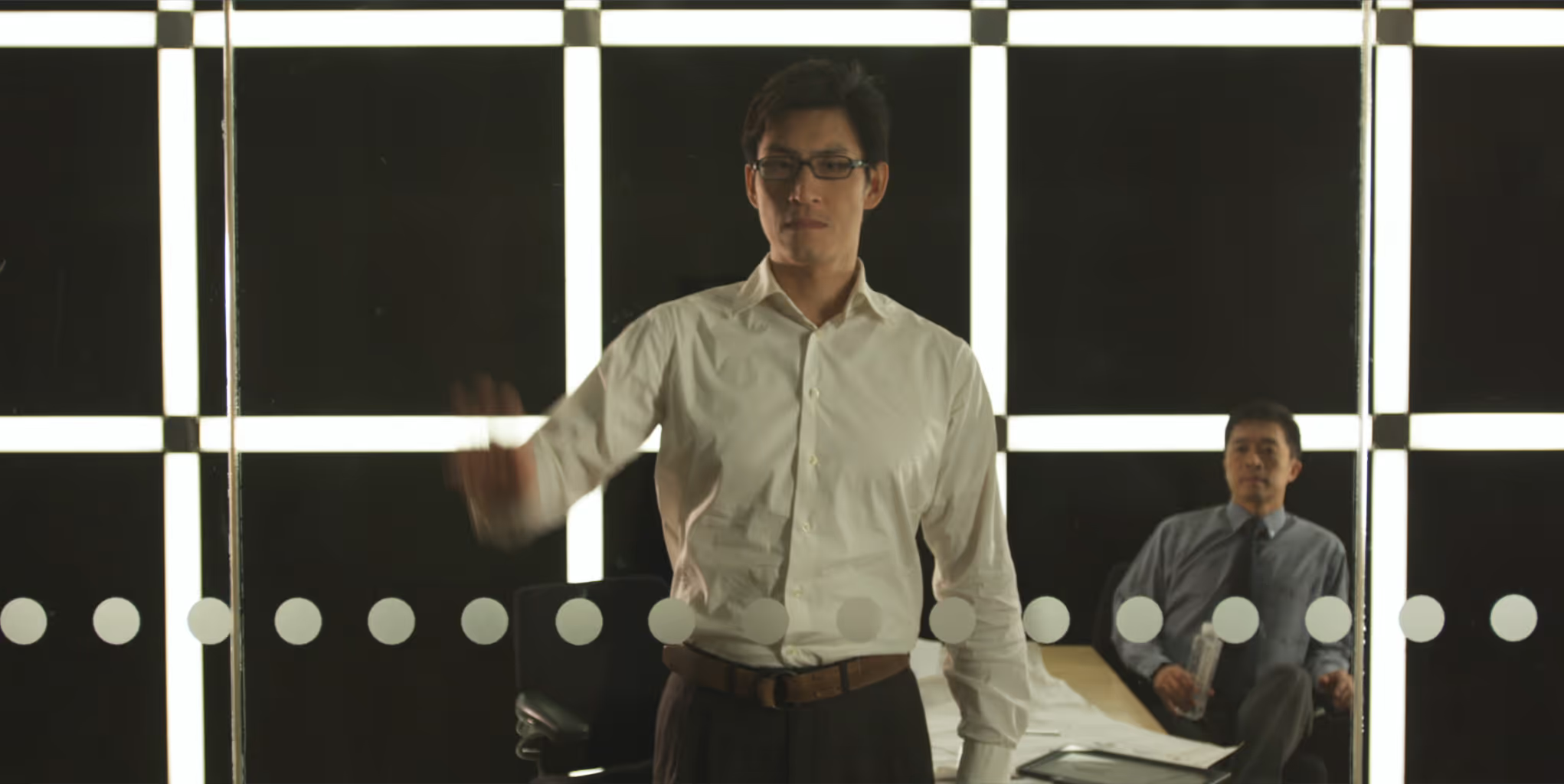
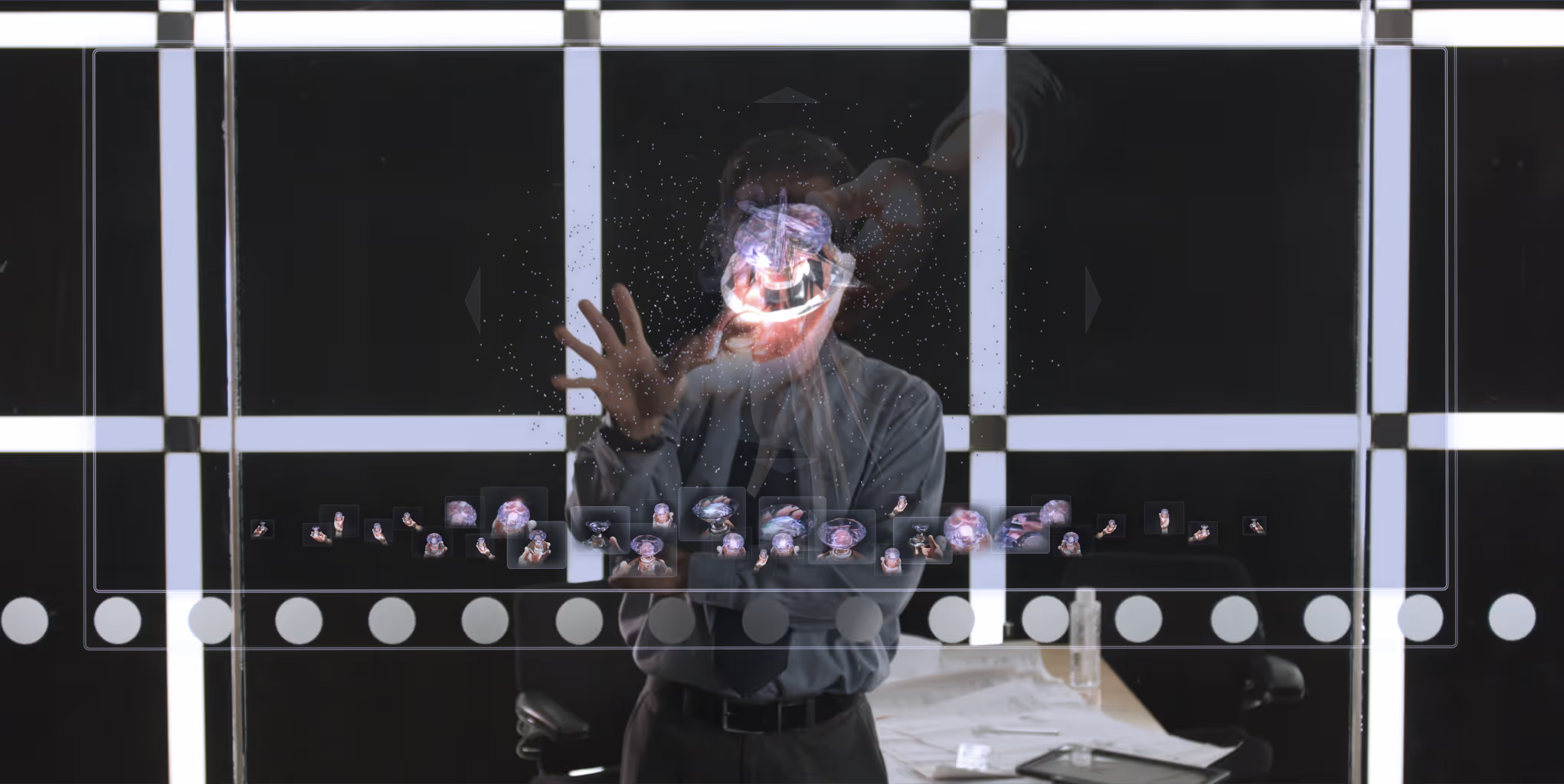
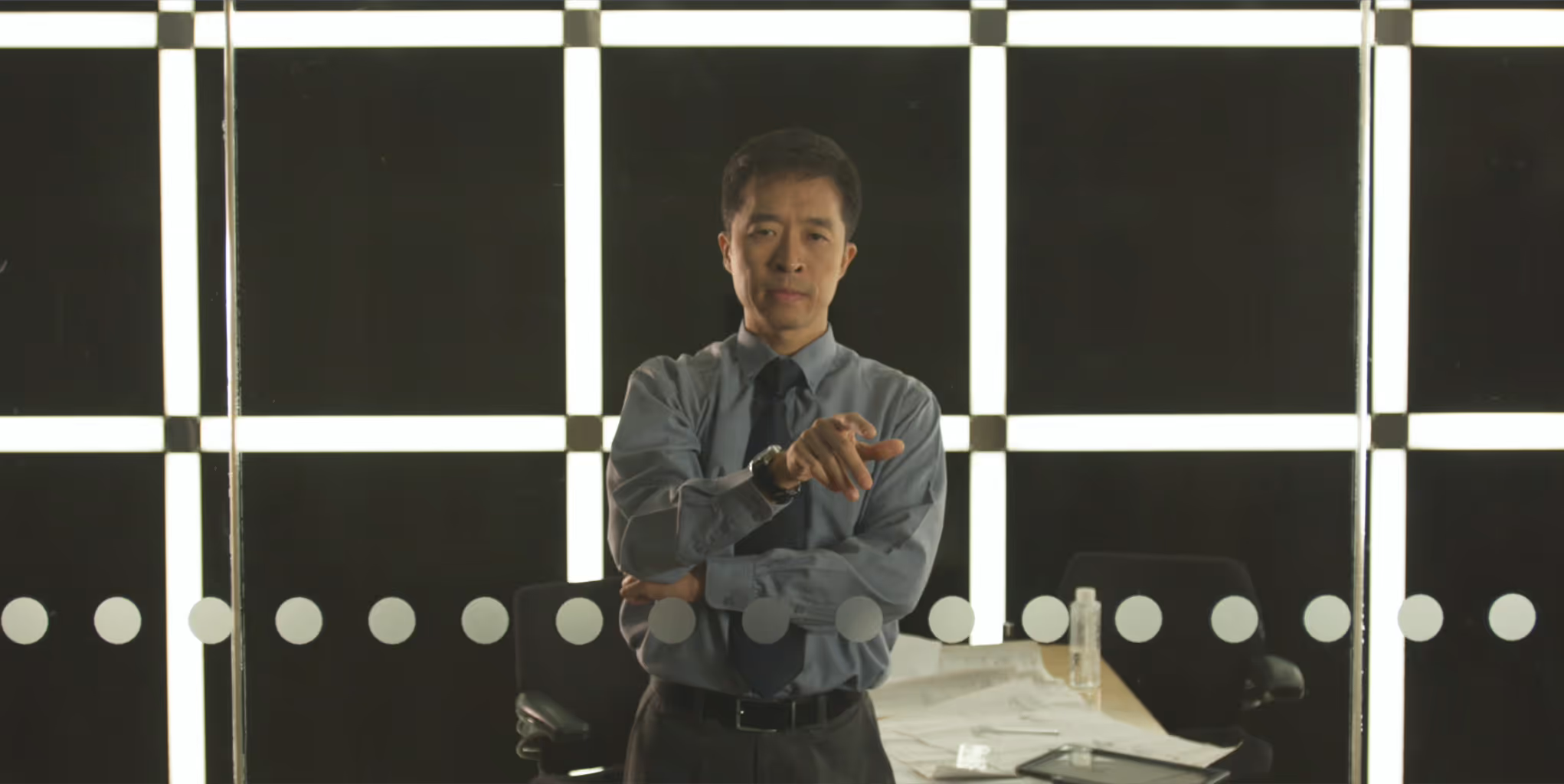
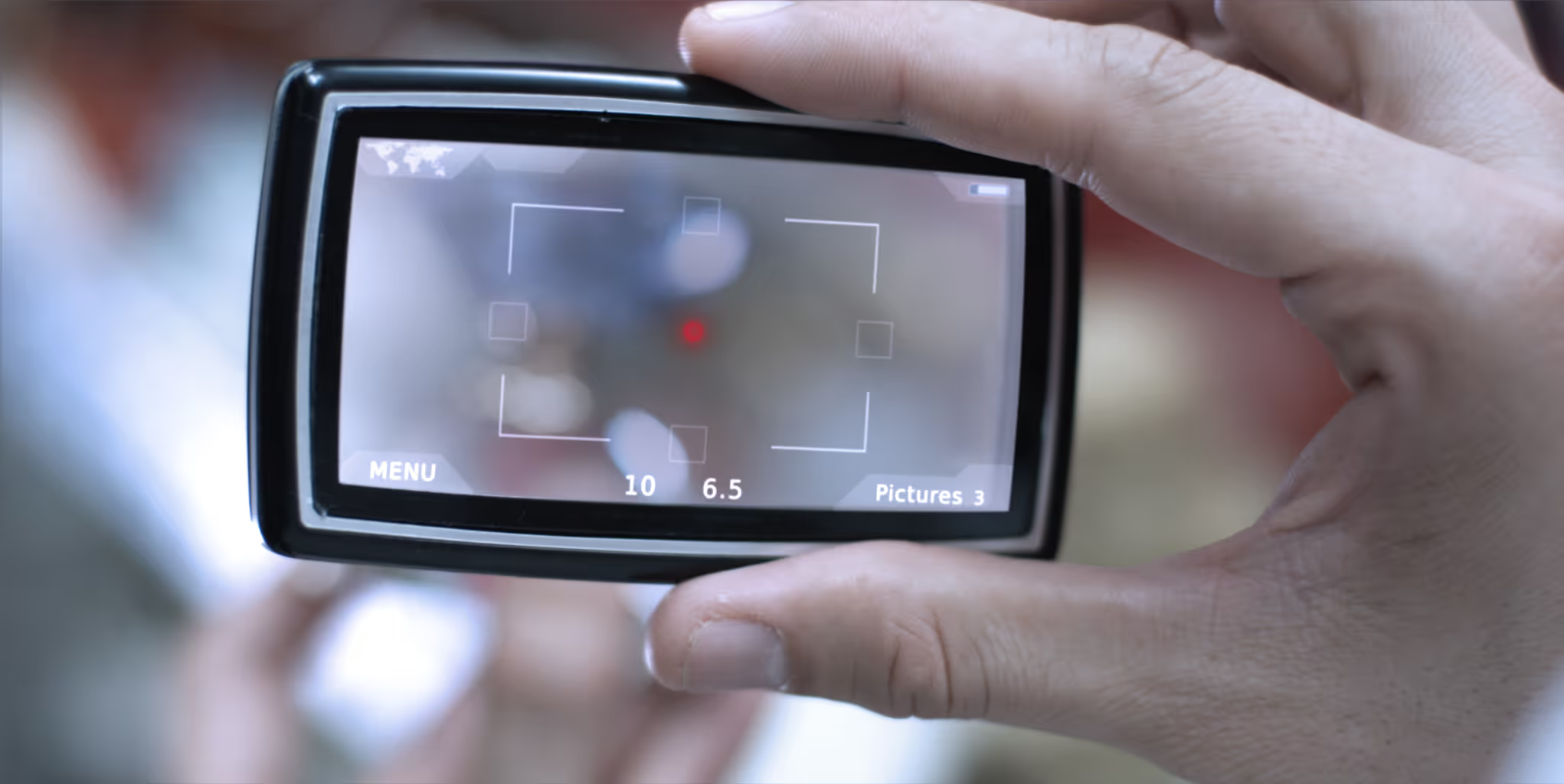
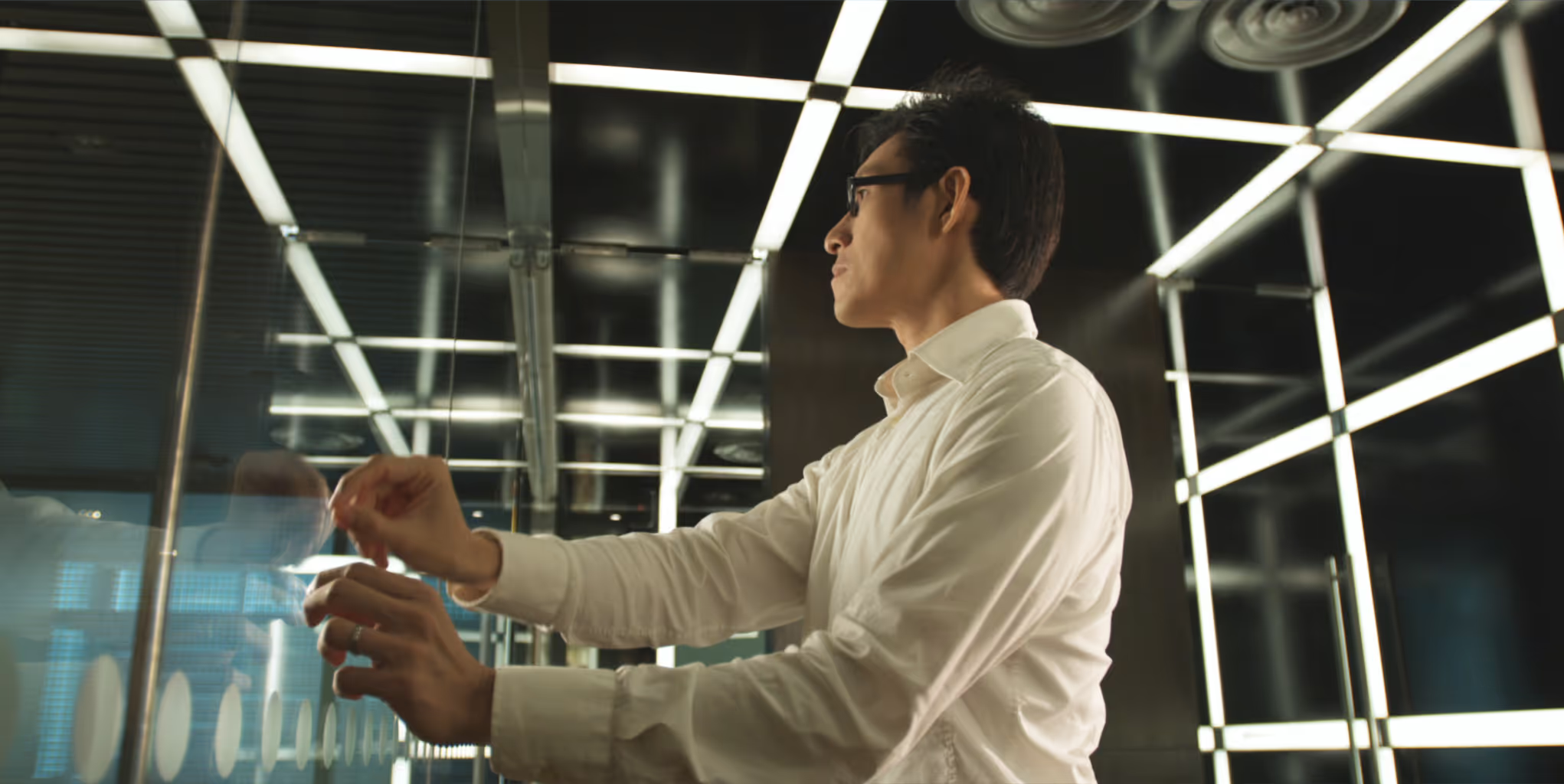
We wireframed the user interaction based on the script through Powerpoint. From there we design and map out basic gestures for the director and actors – saving producers time during the shoot. All UI was animated in 4K allowing for close-ups and perspectives.
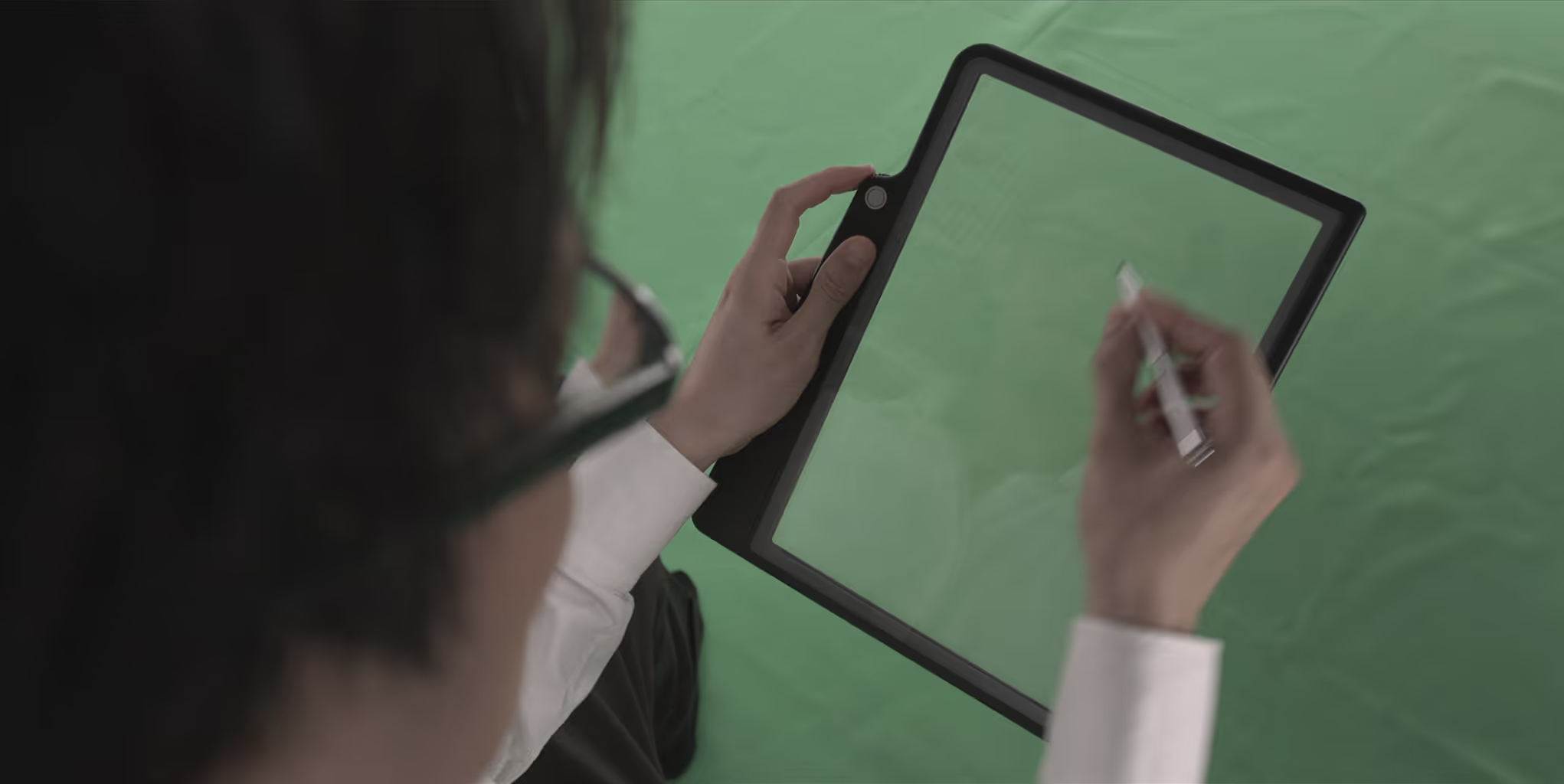
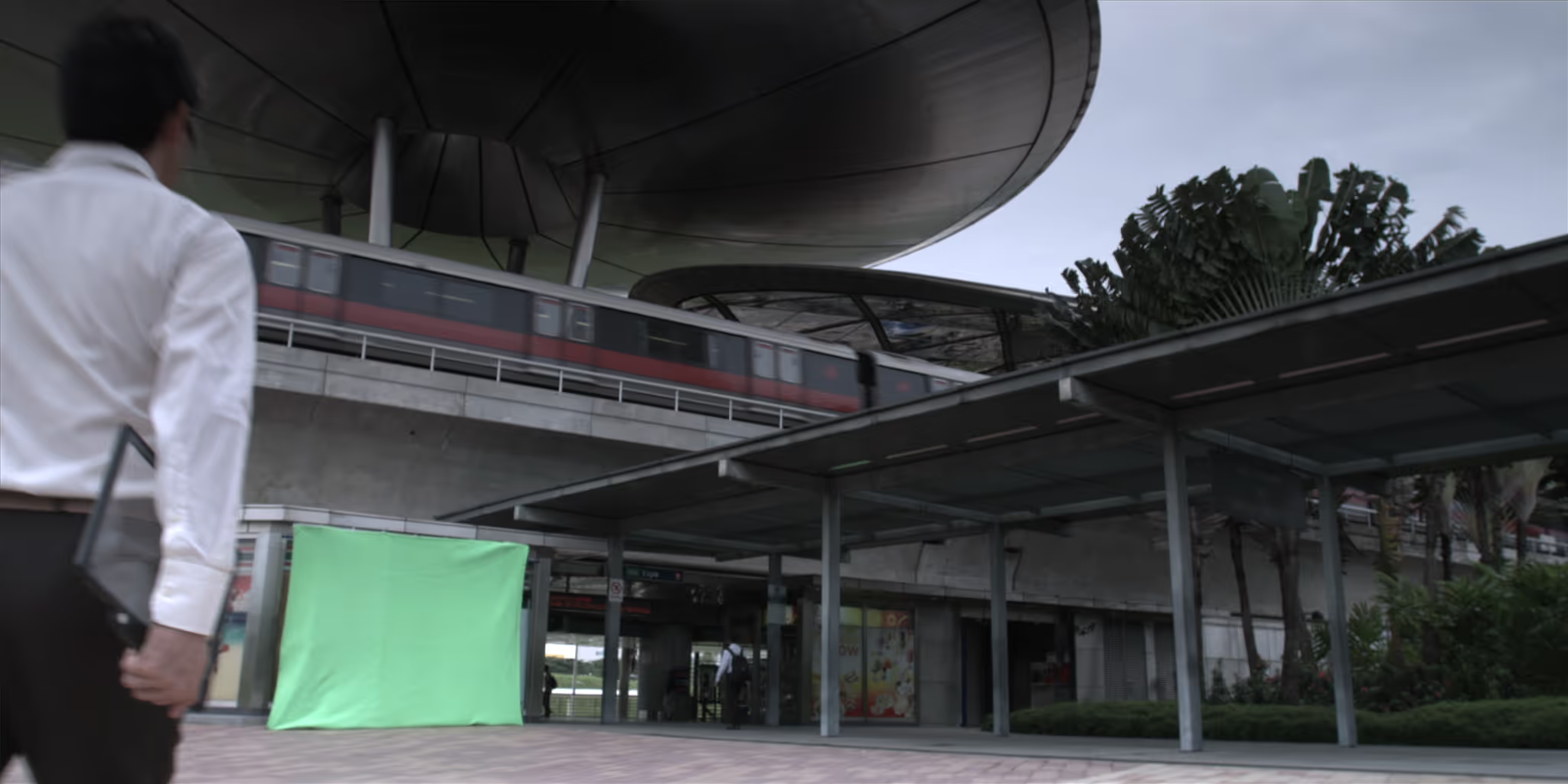
Final edit and raw plates were provided in 2k RED where we tracked and replaced device screens and backgrounds. Additional tasks included: research, UI design, pre-vis, rotoscoping, 3D tracking, screen replacements, object removal, compositing and motion graphics.












Client: Microsoft
Agency: e(a+s)
Studio: Deep Sky
Editorial: Visual Aid
Design Director: Jared Hobbs
3D Modeling: Nadav Meshoulam
Motion Graphics: Eric Bucy
Visual Effects: Jared Hobbs
Editor: James Allen
Storyboarding: Warren Blyth
Music: Aleph Zero Records
Director: Peter Richardson
The rich text element allows you to create and format headings, paragraphs, blockquotes, images, and video all in one place instead of having to add and format them individually. Just double-click and easily create content.
A rich text element can be used with static or dynamic content. For static content, just drop it into any page and begin editing. For dynamic content, add a rich text field to any collection and then connect a rich text element to that field in the settings panel. Voila!
Headings, paragraphs, blockquotes, figures, images, and figure captions can all be styled after a class is added to the rich text element using the "When inside of" nested selector system.


