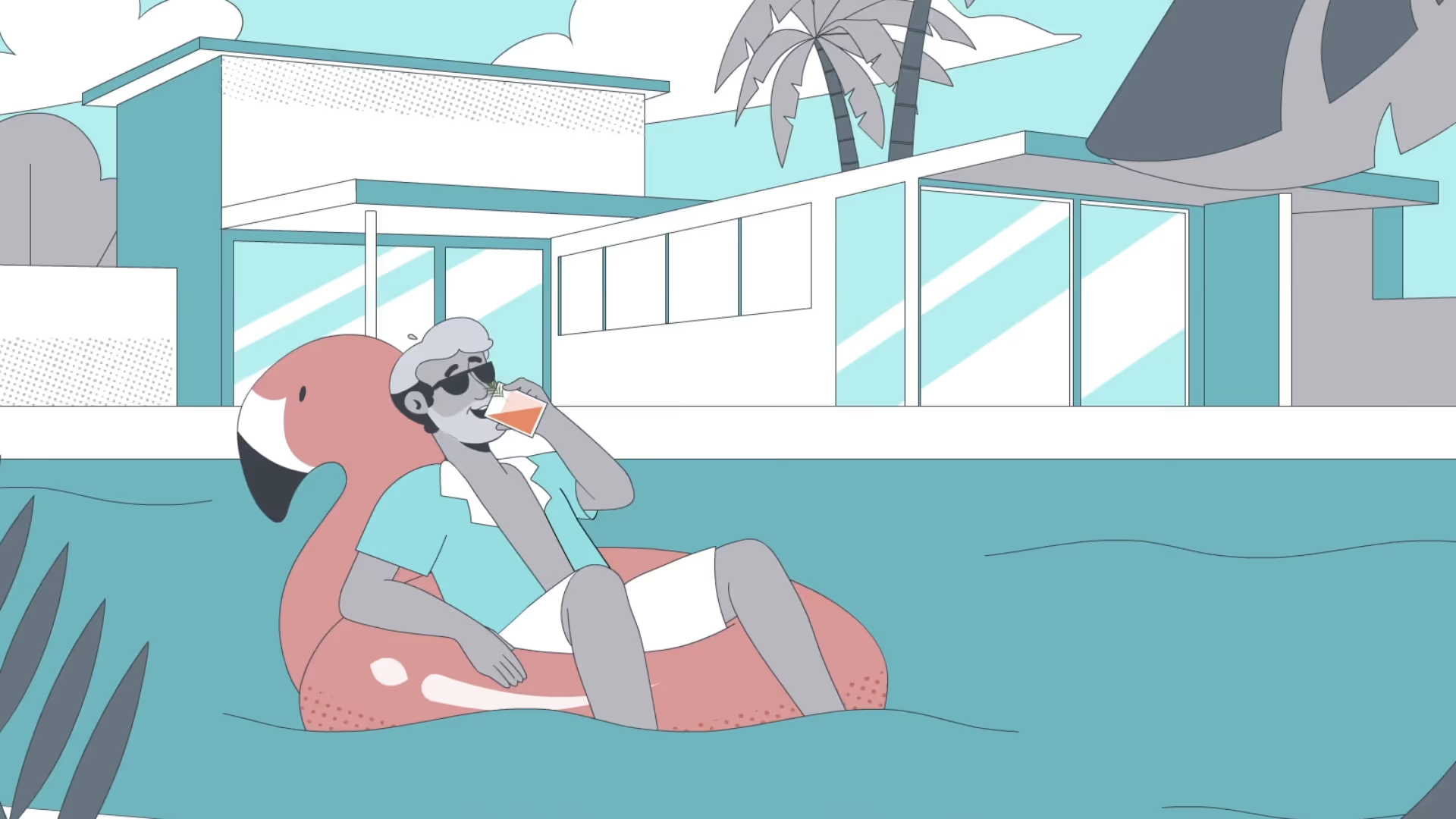
We helped Acorns turn a growing library of software tutorials into polished, engaging learning experiences while we built a workflow that allowed us to create future projects smoother for Acorns.
Client: Acorns
Production Company: Deep Sky
Video Producer: Elliot Freeman
Senior Producer: Darcy Feinstein
Creative Director: Barret Thomson
We helped Acorns turn a growing library of software tutorials into polished, engaging learning experiences while we built a workflow that allowed us to create future projects smoother for Acorns.
Client: Acorns
Production Company: Deep Sky
Video Producer: Elliot Freeman
Senior Producer: Darcy Feinstein
Creative Director: Barret Thomson

Acorns needed a series of product tutorial videos that would help customers confidently navigate their platform. Rather than simply recording software demonstrations, the goal was to create tutorials that felt approachable, on-brand, and engaging enough to keep viewers' attention through complex workflows. Acorns wanted the part of the customer journey nobody watches to look like the part everybody does.
Acorns wanted the part of the customer journey nobody watches to look like the part everybody does. Which meant the real brief wasn't "explain the app." It was: hold someone's attention through a UI walkthrough. That's harder than it sounds.
The Transitions Became the Design.
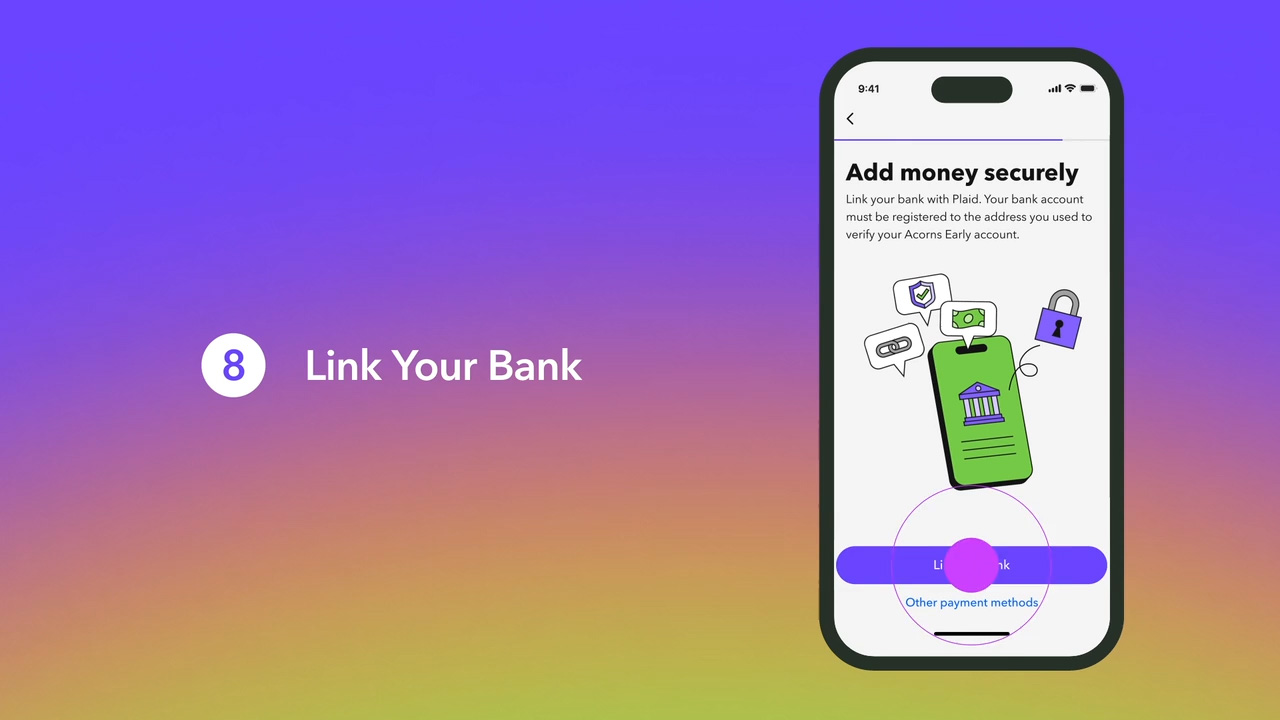
The moments between screens carried the entire experience. Builds, slides, pops, elements assembling and resolving, the way one feature hands off to the next. On a project where you park on an explanatory screen for a long time, the handoffs are not connective tissue. They are the show. Get them right and the piece breathes. Get them wrong and you have twenty videos of someone reading a phone out loud.
The tell is in the rhythm. Adrian Parat and Milan Erceg built the series so that it never fully comes to rest. There's always something arriving or leaving. The viewer's eye is given somewhere to go at exactly the moment it would otherwise wander.
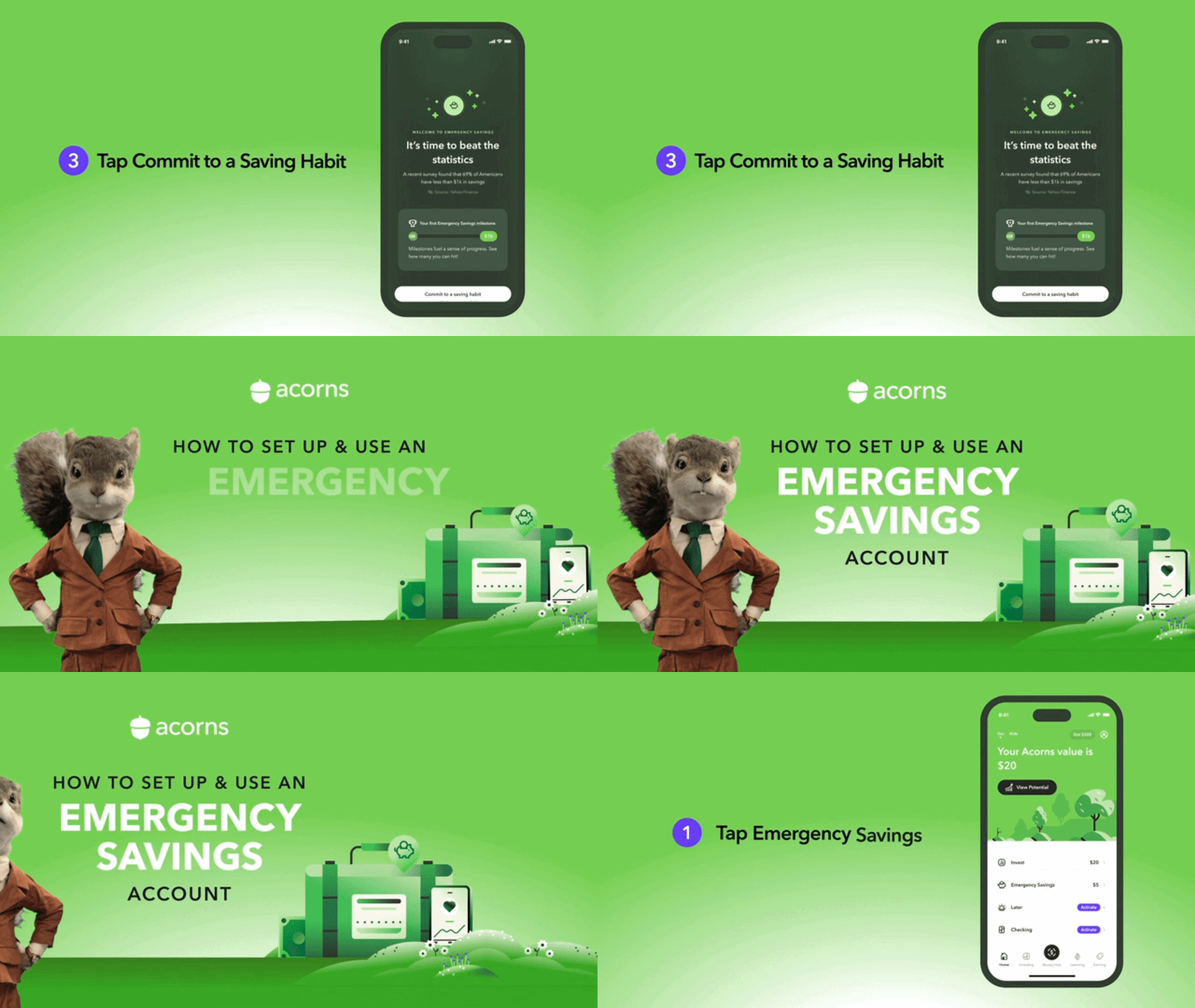
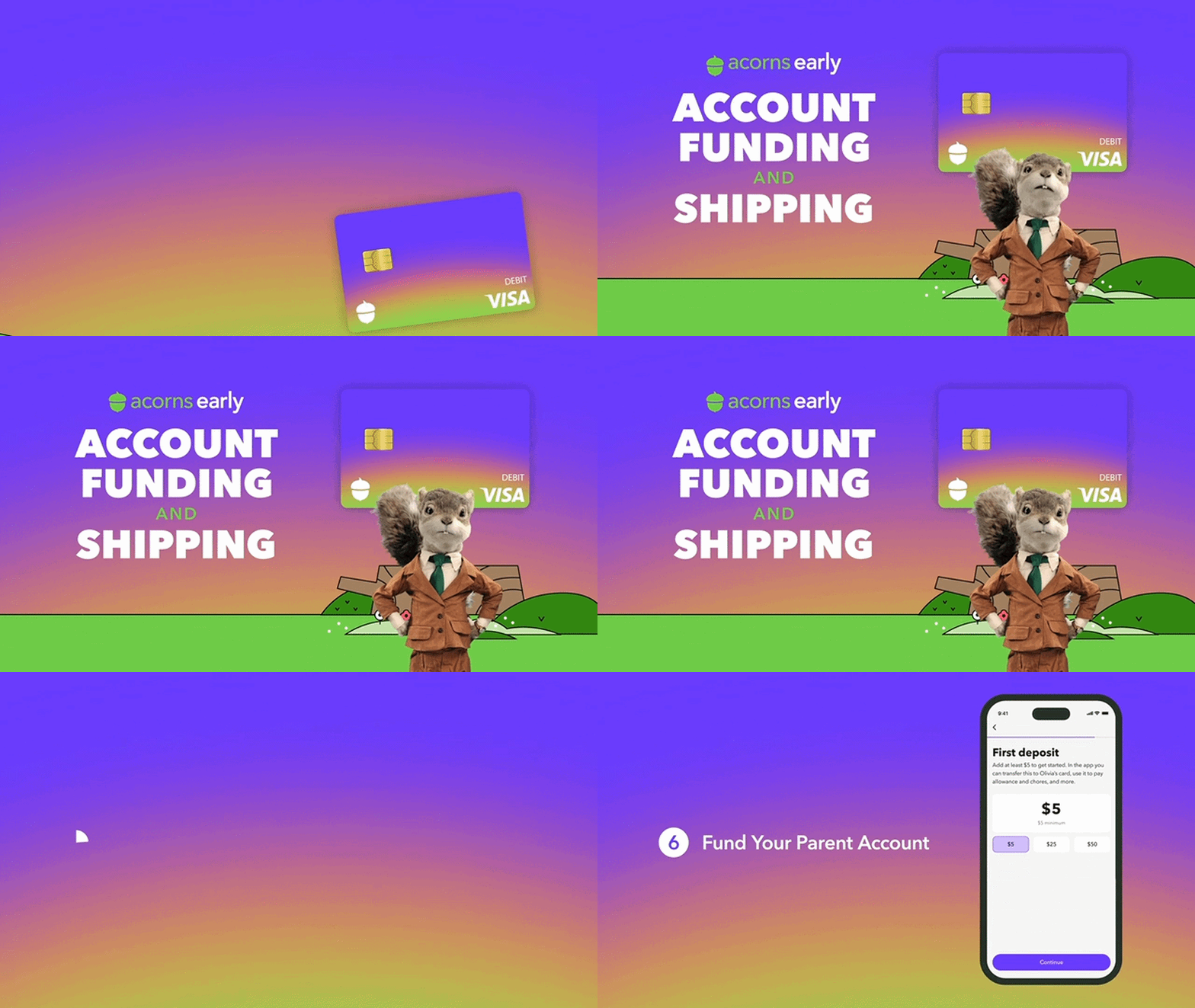
A sequence where the interface seamlessly transforms through animated transitions, guiding viewers naturally from one feature to the next. Instead of feeling like a software demo, the product feels intuitive, friendly, and alive.
We built for consistency across the whole library.
A single tutorial is a video. Twenty tutorials are a system. The motion language, the transition vocabulary, the pacing, the way the brand's illustration style resolves into interface and back out again, all of it had to hold across the entire set, animated by different people, delivered over months. A viewer watching video three and then video seventeen should not be able to tell they were made half a year apart.
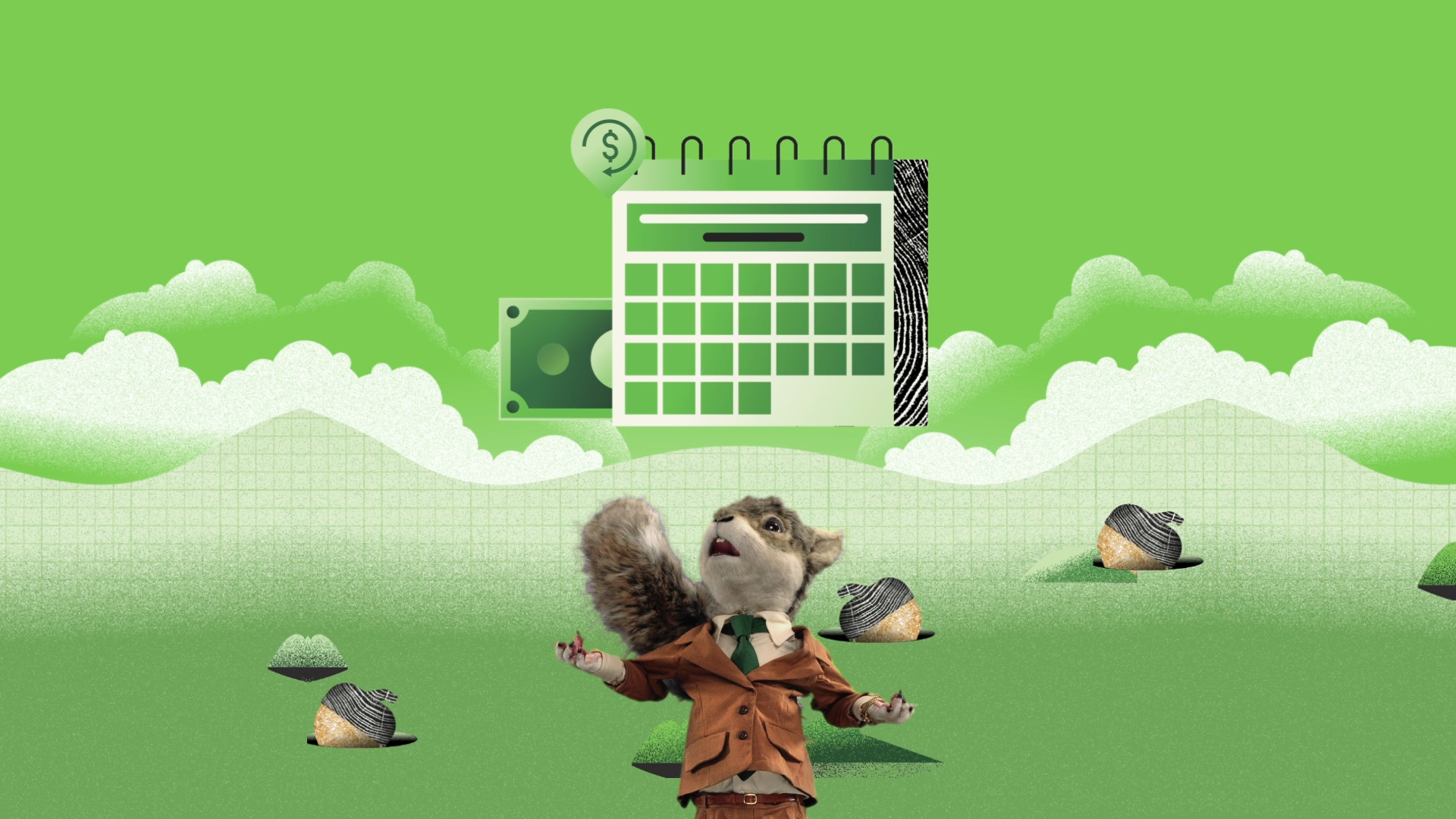
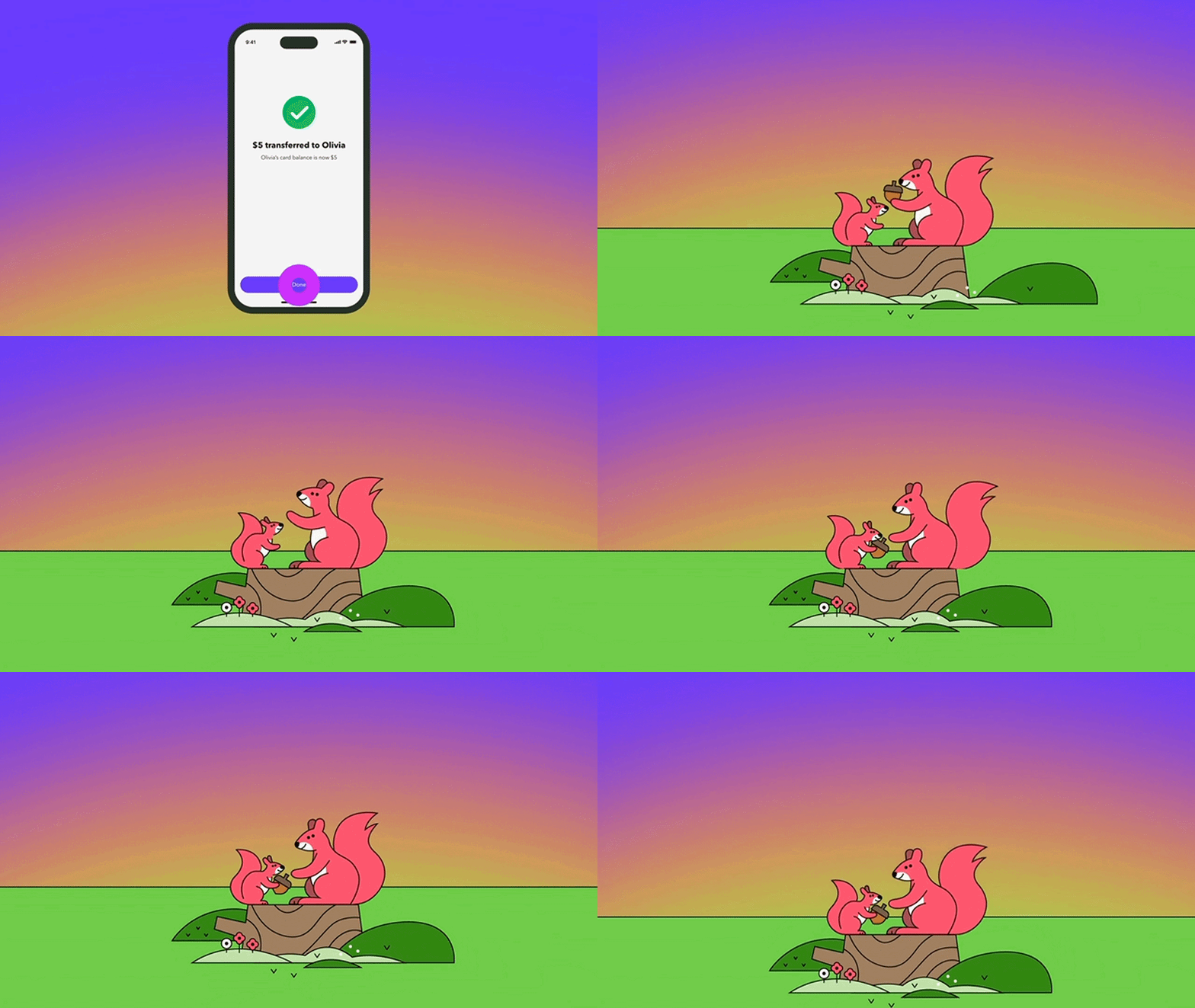
The Acorns squirrel is a practical puppet, and a large one. Adrian's estimate is around five feet tall, worked by roughly three puppeteers. In the uncomped footage, you can see them back there, holding it up.
We didn't build it. We didn't shoot it. We worked with the footage.
But we thought about it a lot, because it's the same principle we were animating to. Someone at Acorns decided the squirrel should be real. Three people in a studio, moving it by hand, so it has weight and a little bit of personality.
Nobody watches a tutorial for fun. You watch it because you're stuck and you want to get unstuck. So the job isn't to entertain you, it's to not lose you: to keep a phone screen moving enough that you stay with it until the thing you came for actually makes sense. That's what the transitions are for. That's what the little bit of bounce is for.
The beloved squirrel gives context to the story–provideing Acorn's point out loud.

Client: Acorns
Production Company: Deep Sky
Video Producer: Elliot Freeman
Senior Producer: Darcy Feinstein
Creative Director: Barret Thomson
Motion Design: Adrian Parat, Milan Erceg, Daniel Bueno
Editing & Sound Design: Brett White
The rich text element allows you to create and format headings, paragraphs, blockquotes, images, and video all in one place instead of having to add and format them individually. Just double-click and easily create content.
A rich text element can be used with static or dynamic content. For static content, just drop it into any page and begin editing. For dynamic content, add a rich text field to any collection and then connect a rich text element to that field in the settings panel. Voila!
Headings, paragraphs, blockquotes, figures, images, and figure captions can all be styled after a class is added to the rich text element using the "When inside of" nested selector system.